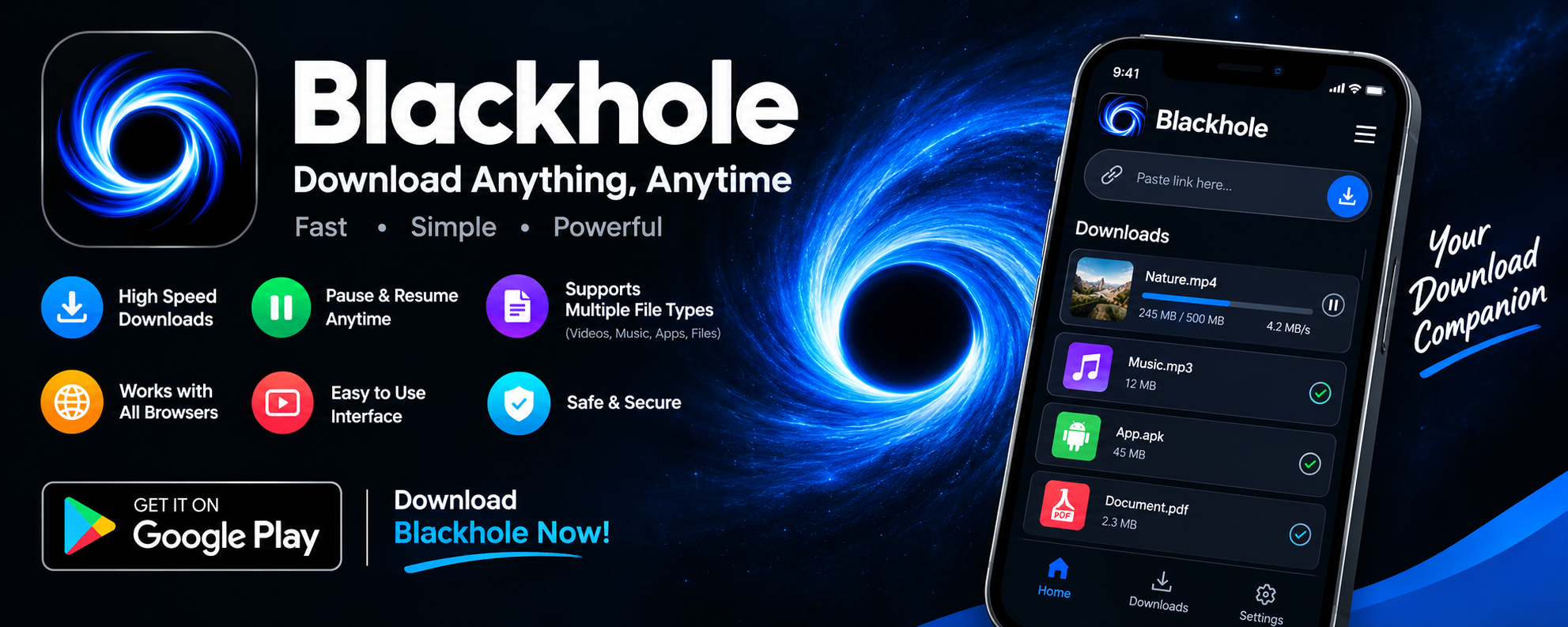
Sometimes the most useful apps are the ones that do just one thing—and do it well. BlackHole, a lightweight utility available on the Google Play Store, falls squarely into that category. Its entire purpose can be summed up in a single sentence: it removes sound from videos. No complicated menus, no steep learning curve, no unnecessary bloat. In a world where apps seem to compete for our attention with ever-expanding feature lists, there's something refreshing about a tool that knows exactly what it is. But is BlackHole actually worth downloading? Let's take a closer look at what this app offers, where it shines, and where it might leave you wanting more.
What Exactly Does BlackHole Do?
The concept behind BlackHole is elegantly simple. You have a video with audio you don't want—perhaps background noise, an unwanted soundtrack, or a recording where the sound is simply distracting. BlackHole strips that audio away, leaving you with a clean, silent video file. That's it. There are no editing timelines, no audio mixing tools, no special effects. For users who just need a quick, no-fuss way to mute a video, this focused approach is genuinely appealing. The app is small in size and appears designed for speed and simplicity, making it a practical choice for casual users who don't want to wrestle with professional video editing software just to remove a sound track.
The User Experience: Simple, But Not Always Smooth
Here's where things get a little more complicated. Despite its minimalist design, BlackHole has attracted a fair share of criticism from users—and the reviews tell an interesting story. With roughly 78,400 ratings on Google Play, the app clearly has a large user base, but the feedback is decidedly mixed. Several reviewers report encountering frustrating error messages, with one user complaining about a persistent "null403" error that prevented video downloads entirely, and another describing a "null404" issue that made the app feel increasingly unusable over time. These kinds of technical hiccups can quickly sour the experience, especially for users who just want a quick, reliable solution.
Where BlackHole Performs Well
Not all feedback is negative, though. One reviewer offered a notably balanced assessment, noting that the app works "very well for downloading YouTube videos" but struggles with other video sources. This suggests that BlackHole may be at its best when handling content from specific, well-supported platforms, while performance can vary elsewhere. For users whose primary need involves YouTube content, the app may deliver satisfactory results. The developer has also pushed updates—the most recent changelog simply lists "Bug fix"—which indicates at least some ongoing maintenance and a willingness to address issues as they arise.
Privacy and Data Practices: Worth a Closer Look
Before downloading any app, it's wise to understand what it does with your data—and BlackHole's data safety disclosures deserve attention. According to the Google Play listing, the app may share certain types of data with third parties, including:
- App activity
- App information and performance data
- Device IDs or other identifiers
The listing also notes that data is encrypted in transit, which is a positive sign for security. However, it also states that data cannot be deleted—a detail that privacy-conscious users should weigh carefully. It's worth emphasizing that these disclosures come directly from the developer and may evolve over time, so checking the listing periodically is a smart habit. For an app that performs a simple utility function, this level of data sharing may give some users pause, particularly those who prefer tools with stricter privacy commitments.
The Verdict: A Useful Tool With Room to Grow
So, should you download BlackHole? The answer depends on your needs and your tolerance for occasional technical trouble. If you're looking for a fast, no-frills way to remove audio from videos—especially YouTube content—BlackHole offers a genuinely convenient solution. Its simplicity is its greatest strength, and for many users, that alone justifies a spot on their device. On the other hand, the reported error messages and inconsistent performance across different video sources suggest the app isn't yet as polished as it could be. Users who need rock-solid reliability or who work with a wide variety of video formats may want to explore alternatives or keep a backup tool handy.
Tips for Getting the Most Out of BlackHole
If you decide to give BlackHole a try, a few practical habits can improve your experience:
- Keep the app updated to benefit from the latest bug fixes
- Test with short clips first before processing longer videos
- Stick to well-supported sources like YouTube if you encounter errors elsewhere
- Review the data safety section periodically, as developer practices can change
- Have a backup plan—a second app or desktop tool—for videos that BlackHole can't handle
These small steps won't eliminate every hiccup, but they can help you avoid frustration and get the results you need more consistently.
Final Thoughts: A Niche Tool for a Specific Job
BlackHole isn't trying to be everything to everyone, and that's perfectly fine. It's a single-purpose app that solves a specific problem: removing sound from videos. When it works, it works quickly and simply, which is exactly what many users want. The challenges lie in its reliability and its data-sharing practices, both of which are worth considering before you commit. For casual users with straightforward needs, BlackHole can be a handy addition to their app collection. For those with more demanding requirements, it may serve best as one tool among several. Either way, this little app is a good reminder that sometimes the simplest solutions are the ones worth trying—as long as you know what to expect going in.