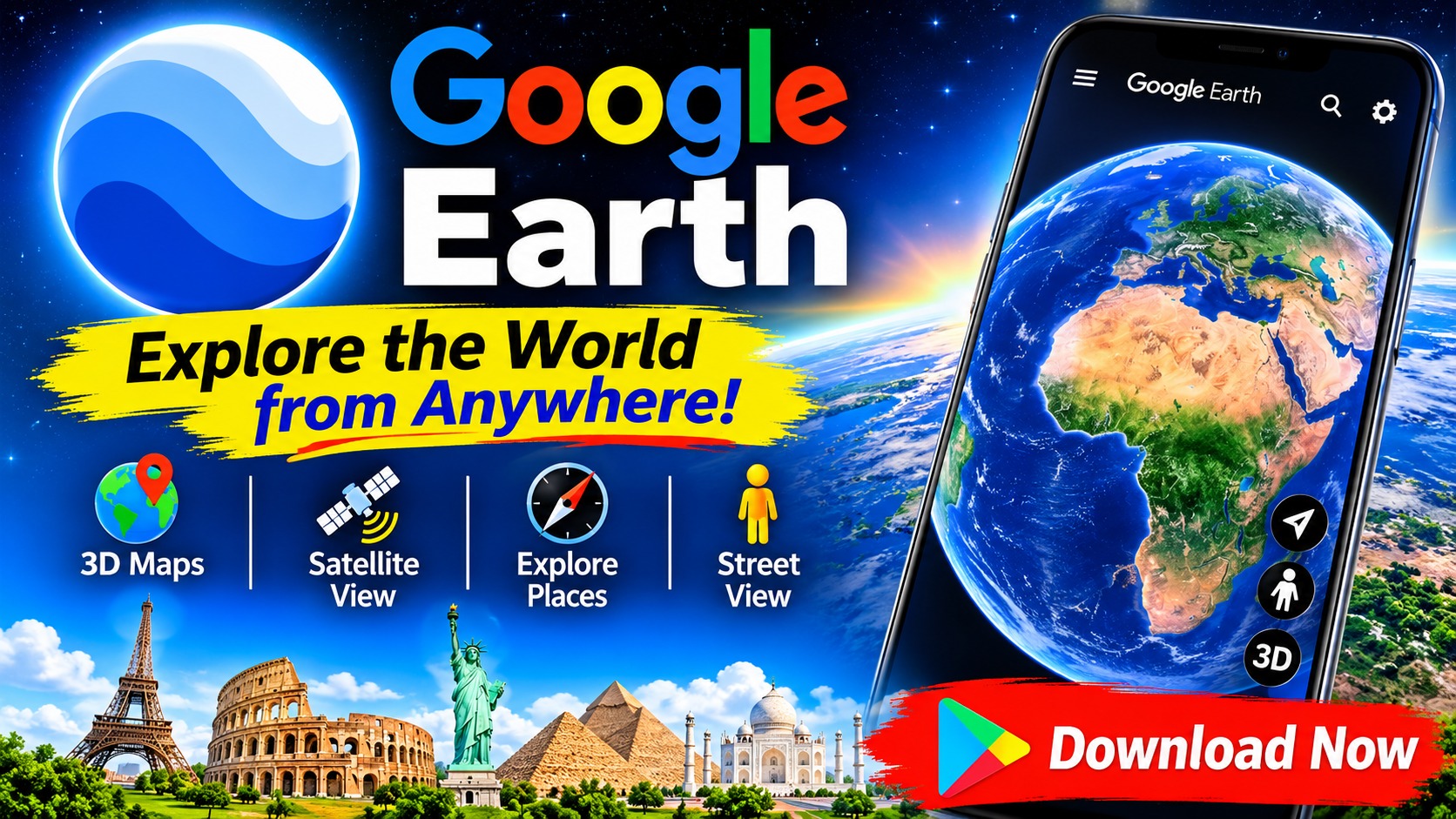
If you've ever wanted to explore the world without leaving your couch, Google Earth for Android is about as close as it gets. The app lets you create data-driven, immersive maps and collaborate with others anytime, anywhere. You can fly over the entire globe with high-resolution satellite imagery, explore 3D terrain and buildings in hundreds of cities, and dive into streets and neighborhoods through 360° Street View. It's a surprisingly powerful package for something you can install on your phone—and the Play Store listing makes it clear that this isn't just a pretty picture viewer, but a full mapping and collaboration tool.
What You Can Actually Do With It
The core appeal of Google Earth is exploration, but the feature set goes further than casual sightseeing. According to the app description, you can:
- Create and collaborate on maps – build data-driven, immersive maps and work on them with others across devices.
- Fly over the world – browse the whole planet with high-resolution satellite imagery.
- Explore in 3D – view 3D terrain and buildings in hundreds of cities.
- Go street-level – use Street View's 360° perspective to explore streets and communities up close.
- Add your own photos – the latest version lets you add photos from your camera to your maps.
That combination makes the app useful for everything from trip planning to classroom geography to professional map-making.
The Latest Version Brings a Fresh Look
The "What's New" section of the listing highlights a notable update: a brand-new look paired with several new features designed to help you collaborate with others across different devices, create maps, and add camera photos to your maps. In practice, that means the app is leaning harder into being a collaborative creation tool rather than just a viewing experience. If you tried Google Earth years ago and found it passive, this update is a good reason to revisit it—especially if you work with others on location-based projects.
Data Safety: What You Should Know
The Play Store listing includes a data safety section, and it's worth reading before you install. The key points:
- No data shared with third parties – the developer states that no data is shared with third parties.
- Data collected – the app may collect location information, personal information, and six other categories of data.
- Encryption in transit – data is encrypted while being transmitted.
- Deletion requests – you can ask the developer to delete your data.
- Independent security review – the app has undergone an independent security review.
As the listing itself notes, these practices can vary based on your usage, region, and age, and the developer-provided information may change over time. In short: the app collects a fair amount of data, but it's transparent about it and offers encryption and deletion options.
What Real Users Are Saying
With roughly 2.69 million reviews, Google Earth has a substantial user base, and the visible reviews paint a mixed but mostly positive picture. One reviewer praised the imagery, saying that very high-definition Earth images let them quickly learn about places on the other side of the world without leaving home. Another user raised a practical complaint: after selecting a historical map and satellite imagery date, the app reloads the latest imagery the next time it opens, forcing them to reselect their preferred settings—they asked for the app to cache the last-used map data. A third review was mostly a lengthy account of login troubles after reinstalling or resetting a phone, mixed with praise for the app's speed and features. The takeaway? The core experience is well-liked, but small annoyances around settings persistence and account access do come up.
A Word of Caution About Suspicious Reviews
One of the visible reviews deserves special mention. It complains about slow map refreshing and then recommends switching to a "modified version," dropping an obfuscated web address and describing workarounds for login verification—including claims about SMS verification fees. This is a classic pattern for promoting unofficial, potentially unsafe APKs. A few things to keep in mind:
- Stick to the official Play Store listing for downloads and updates.
- Be wary of obfuscated links (the kind with random characters and shortened domains) in reviews.
- Google's own support channel is listed as support@google.com if you have account issues.
- Modified app versions can carry malware and typically violate the app's terms of service.
The legitimate reviews are useful; the promotional ones are not. Treat recommendations to sideload "special versions" of any Google app with skepticism.
Who Should Install It (and Who Might Skip It)
Google Earth on Android is a great fit for:
- Travelers and planners scouting destinations with 3D terrain and Street View.
- Students and teachers who want an interactive globe for geography and earth science.
- Map-makers and collaborators who need to build and share data-driven maps on the go.
- The simply curious who enjoy flying over the planet from their phone.
If you only need turn-by-turn navigation, Google Maps is the better daily driver—Earth is more about exploration and map creation than routing. And if you're on a tight data budget or older hardware, the high-resolution imagery and 3D views may be heavier than you'd like.
Final Thoughts
Google Earth for Android packs an impressive amount of capability into a free app: satellite imagery of the whole planet, 3D cities, Street View, collaborative map creation, and photo integration. The latest update refreshes the interface and pushes further into cross-device collaboration, while the data safety section gives you a reasonably clear picture of what's collected and how it's protected. Just remember the basics: download from the official listing, ignore review links pushing "modded" versions, and check the data practices if privacy is a priority. For everyone else, it's a genuinely fun and useful way to hold the world in your hand.